Using e-Nabız: Accessing Your Medical Records on the Ministry of Health App
Navigating a foreign medical system often feels like trying to read a map in the dark, especially when you are waiting for critical test results. I remember standing in the middle of a crowded Istanbul hospital corridor, clutching a barcode sticker and having no idea if my blood work was ready or which office to visit next. This guide solves that confusion by teaching you how to master e-Nabiz, Turkey's centralized digital health portal, to access every part of your medical history instantly.
Getting Started with e-Nabiz: Registration and Login for Foreigners
Setting up your e-Nabiz profile is the first real step toward autonomy in the Turkish healthcare system. For most of us, the days of carrying around thick yellow folders filled with physical X-rays and printed blood reports are over. However, the system is strictly tied to your legal identity in Turkey. You cannot simply "sign up" with an email address; the platform is a secure extension of the Ministry of Health’s database, meaning it requires a verified connection to your residency status.
The e-Devlet Gateway: Your Golden Ticket
The most reliable way to access e-Nabiz is through the e-Devlet (e-Government) portal. If you have your residency permit, you should have already visited a PTT branch to get your e-Devlet password. Once you log into the e-Devlet website or app, search for e-Nabiz in the main search bar. Clicking the link there will automatically redirect you to the health portal and log you in using your verified credentials. This method is far superior to trying to log in directly on the e-Nabiz homepage, as it bypasses the need for a secondary SMS verification that often glitches with foreign phone numbers.
Having your e-Devlet access is essential for more than just health; it is a core part of . When you enter e-Nabiz via this route, the system pulls your T.C. Kimlik number (starting with 99) and matches it to every hospital visit you have made since your permit was issued. I always tell new arrivals that getting that PTT password is the very first thing they should do after their residency card arrives in the mail. Without it, you are effectively a ghost in the digital machine.
Troubleshooting the 99 Number and Temporary Issues
A common frustration occurs when an expat tries to log in but sees a "Record Not Found" error. This usually happens if your medical records were originally filed under your passport number before you received your official residency permit. If you went to a clinic as a tourist, those records are floating in a sort of digital limbo. To fix this, you often have to visit the "Hasta Haklari" (Patient Rights) office at a public hospital and ask them to merge your passport-based records with your new 99-series identification number.
It is also worth noting that if you are using private insurance like for a specific procedure, the private hospital might not immediately upload the data to the central system unless you provide your Turkish ID number at reception. Always insist that they link the visit to your 99 number. Many newcomers lose weeks of data because they accidentally checked in using their passport, creating a fragmented medical history that e-Nabiz couldn't see.
Navigating the Interface: Translating Your Health Data
Once you are inside the app or the web portal, the sheer volume of data can be overwhelming, especially since the interface is primarily in Turkish. While there is an English toggle, it often only translates the menus and leaves the actual medical findings in Turkish. Understanding the layout is key to finding what you need during a follow-up appointment or when you need to show a doctor your history.
Understanding the Main Dashboard (Ana Sayfa)
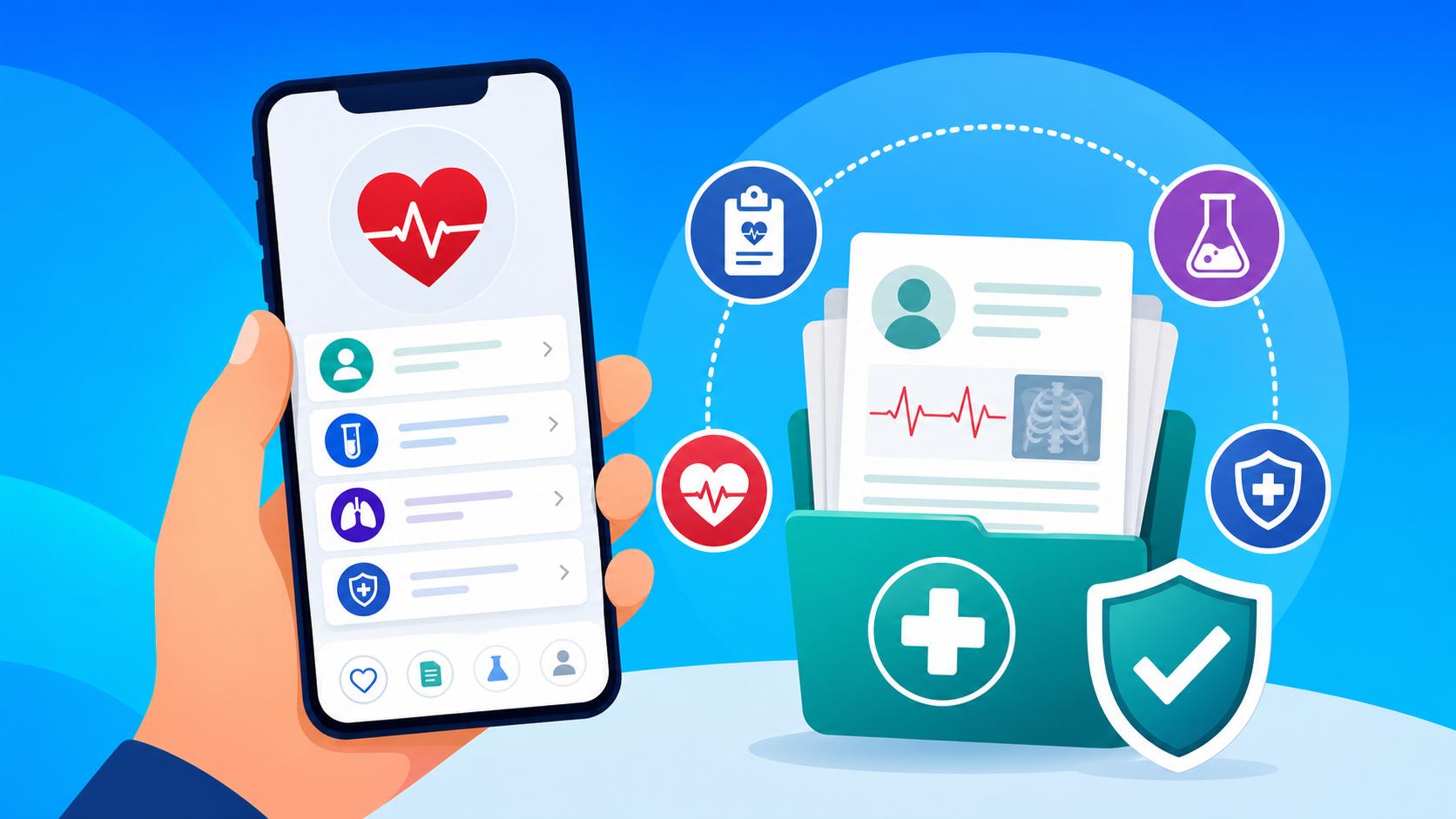
The dashboard provides a high-level summary of your recent activity. You will see a timeline of your "Ziyaretlerim" (My Visits), which lists every clinic, pharmacy, or hospital you have entered. This is incredibly helpful for because it shows the exact dates and the names of the physicians you consulted. Below the timeline, you will find quick-access buttons for your prescriptions and lab results.
If you are managing a chronic condition, the dashboard also displays your "Nabiz" (Pulse) score, which is a gamified way the Ministry of Health encourages wellness. While the gamification might feel secondary, the data underneath it—like your BMI, blood pressure readings, and sugar levels—is vital. Many expats find it useful to track their wellness journey alongside high-quality supplements they order from to ensure their levels are trending in the right direction.
Accessing Blood Tests and Imaging Results
The most-used feature for any foreigner is the "Tahlillerim" (My Analysis) section. This is where your blood, urine, and pathology results live. Instead of waiting at the hospital for a printout, the results usually appear here within hours. Each test shows your value, the "Referans Araligi" (Reference Range), and an indicator (usually a red or green arrow) showing if you are high or low. If you need to share these with a doctor back in your home country, you can download a PDF of the results directly from the app.
For more complex issues, the "Goruntulerim" (My Images) section is a lifesaver. This contains your X-rays, MRIs, and CT scans. Turkey uses a system called Teletip, which allows you to view the actual images in a browser-based DICOM viewer. You no longer need to carry those giant envelopes of film. If you are , you can simply give the private clinic a temporary access code from e-Nabiz, and they can pull up your previous scans instantly.
| Feature Name (TR) | English Translation | Primary Use |
|---|---|---|
| Tahlillerim | My Lab Results | View blood work and pathology reports |
| Reçetelerim | My Prescriptions | See past medications and active barcodes |
| Görüntülerim | My Imaging | Access X-rays, MRIs, and CT scans |
| Randevularım | My Appointments | Manage upcoming doctor visits |
| Alerjilerim | My Allergies | List known drug or food sensitivities |
| Raporlarım | My Reports | View official health reports for work/visas |
Managing Appointments and Prescription History
One of the most powerful aspects of e-Nabiz is how it integrates with the daily logistics of staying healthy. In Turkey, the healthcare system is highly digitized, and the app serves as the bridge between your doctor's office and the local pharmacy.
Syncing with the MHRS System
The e-Nabiz app is directly linked to the Central Physician Appointment System (MHRS). When you need to see a specialist, you can jump from e-Nabiz to the appointment screen to see which doctors are available at your local State Hospital or "Egitim ve Arastirma" (Education and Research) facility. This is particularly useful when because it allows you to filter by specialty and see which hospitals have the shortest wait times.
I’ve found that using the digital booking system is much easier than calling 182, where you might struggle with the language barrier. On the app, you can take your time to look up the Turkish names of departments like "Goz Hastaliklari" (Ophthalmology) or "Kadin Hastaliklari" (Gynecology). Once the appointment is booked, it shows up on your e-Nabiz calendar, and you will receive a push notification reminder the day before.
Tracking Your Pharmacy Purchases and Vaccinations
The "Recetelerim" (My Prescriptions) section is a godsend for anyone who forgets the name of that one cream or pill the doctor prescribed six months ago. It lists the drug name, the dosage instructions, and a "Recete No" (Prescription Number). In Turkey, you don't always need a physical paper; you just show the barcode or the number at any . The pharmacist enters the number, and your medicine is dispensed.
This section also tracks your "Asilarim" (My Vaccines). For expat parents, this is the easiest way to keep track of the . The system logs every shot given at the local "Saglik Ocagi" (Family Health Center), ensuring that your child’s records are always up to date for school registrations or international travel. If you are self-medicating with vitamins from , keep in mind these won't show up here, so you should manually log them in the "Notlarim" (My Notes) section to keep your doctor informed.
Privacy Settings and Sharing Data with Doctors
Privacy is a major concern for many expats, and the Turkish Ministry of Health has implemented several layers of control within e-Nabiz. You have the power to decide who sees your data, which is crucial if you are moving between public and private sectors.
Granting Temporary Access to Private Specialists
By default, any doctor in a public hospital can see your history if you are currently registered for an appointment with them. However, if you visit a private clinic for a second opinion, they might not have immediate access. Within e-Nabiz, there is a feature called "Erisim Ayarlari" (Access Settings). You can generate a temporary SMS code or a QR code that you give to the private doctor. This allows them to view your records for a limited window of time (e.g., 24 hours).
This is a vital tool when . Many international-standard clinics prefer to see your previous lab work to avoid repeating expensive tests. By granting them access via e-Nabiz, you save money and ensure they have the full picture of your health. I’ve used this when visiting specialists in Kadikoy, and they were always impressed when I had my code ready to go.
Organizing Your Health Profile for International Use
For those who travel frequently or plan to leave Turkey eventually, e-Nabiz allows you to compile a "Saglik Pasaportu" (Health Passport). This summarizes your blood type, chronic illnesses, surgeries, and current medications into a single, downloadable document. If you have comprehensive coverage through , you can upload this summary to their portal as well, ensuring that if you have an emergency while outside of Turkey, your medical history is accessible to foreign doctors.
It is also important to use the "Cocuklarim" (My Children) tab if you are a legal guardian. This allows you to toggle between your profile and your child's profile, making it easy to manage their records. Many families struggle because only one parent was linked to the child’s account; make sure both parents are registered at the local "Nufus" (Population) office so the digital link is active for both of you.
Comparing Digital Health Tools: e-Nabiz vs. International Alternatives
As an expat, you might be used to using apps like MyChart or specific portals provided by your insurance company. While these are useful, in the Turkish context, e-Nabiz is the undisputed king of data.
Why Local Integration Matters More Than Global Apps
While global health apps are great for tracking steps or calories, they lack the legal and medical integration required for official use in Turkey. If you are , the government will only look at the data recorded in the national system. A report from a private app won't carry weight if you need an official "Saglik Raporu" (Health Report) for your driving license or work permit.
The local integration also extends to emergency services. If you ever have to call for , the paramedics can theoretically access your e-Nabiz profile to check for life-threatening allergies or your blood type before you even reach the hospital. This level of real-time integration is something a third-party app simply cannot provide.
When to Supplement with Comprehensive Insurance Portals
That being said, e-Nabiz is a government tool, which means it doesn't offer the concierge services found in private portals. If you carry a policy with , you might prefer their app for things like finding English-speaking therapists or handling reimbursement claims for out-of-network care.
I suggest using a "hybrid" approach. Use e-Nabiz for all your "on-the-ground" medical data, lab results, and public appointments. Use your private insurance portal for high-level management, tele-health consultations, and financial tracking. And for your daily wellness needs—like ordering specific organic supplements not found in Turkish pharmacies—rely on to bridge the gap.
Practical Tips for Daily Use in Turkey
Living here long-term means making e-Nabiz a regular part of your digital life. It isn't just for when you are sick; it is a tool for long-term health management and safety.
Setting Up Emergency Contacts and Blood Type
One of the first things you should do after logging in is fill out the "Acil Durum Bilgileri" (Emergency Information). Here, you can list your emergency contacts and, most importantly, your blood type. In Turkey, blood type is a critical piece of information that is even printed on some ID cards. Having it verified and visible in e-Nabiz can save precious minutes in a crisis.
I also recommend adding your specific allergies to the "Alerjilerim" section. I have a friend who is severely allergic to penicillin, and she was always worried about a language mix-up in an emergency room. Once she added it to e-Nabiz, the warning popped up on the screen every time a doctor opened her file. This is a simple step that provides massive peace of mind when navigating the .
Using the Organ Donation and Wellness Features
Turkey has been working hard to increase organ donation rates, and you can actually register as a donor directly through the app. It is a deeply personal choice, but having it digitized ensures your wishes are known. Additionally, the "Yasami Erteleme" (Don't Delay Life) section offers reminders for routine screenings based on your age and gender, such as mammograms or colonoscopies.
If you are focused on preventative care, check the "Hastalik Riskleri" (Disease Risks) tab. It uses your historical data to suggest lifestyle changes. For many of us, the stress of living abroad can take a toll, so staying on top of these indicators is essential. I often supplement my local diet with specialized vitamins from based on the gaps I see in my e-Nabiz blood panels. It’s all about using the data to be proactive rather than reactive.
General Disclaimer regarding Medical Information
The information provided in this article is for educational and informational purposes only and does not constitute professional medical advice, diagnosis, or treatment. Always seek the advice of a qualified healthcare provider in Turkey with any questions you may have regarding a medical condition. Do not disregard professional medical advice or delay in seeking it because of something you have read in this guide. The Turkish healthcare system and e-Nabiz regulations are subject to change, and users should verify the latest procedures with the Ministry of Health or their local consulate.