E-Ikamet Glitches: How to Resolve System Errors During Online Application Submission
gs and head for the airport. This guide solves those maddening digital roadblocks so you can actually finish your application.
Common Technical Errors on the e-Ikamet Portal
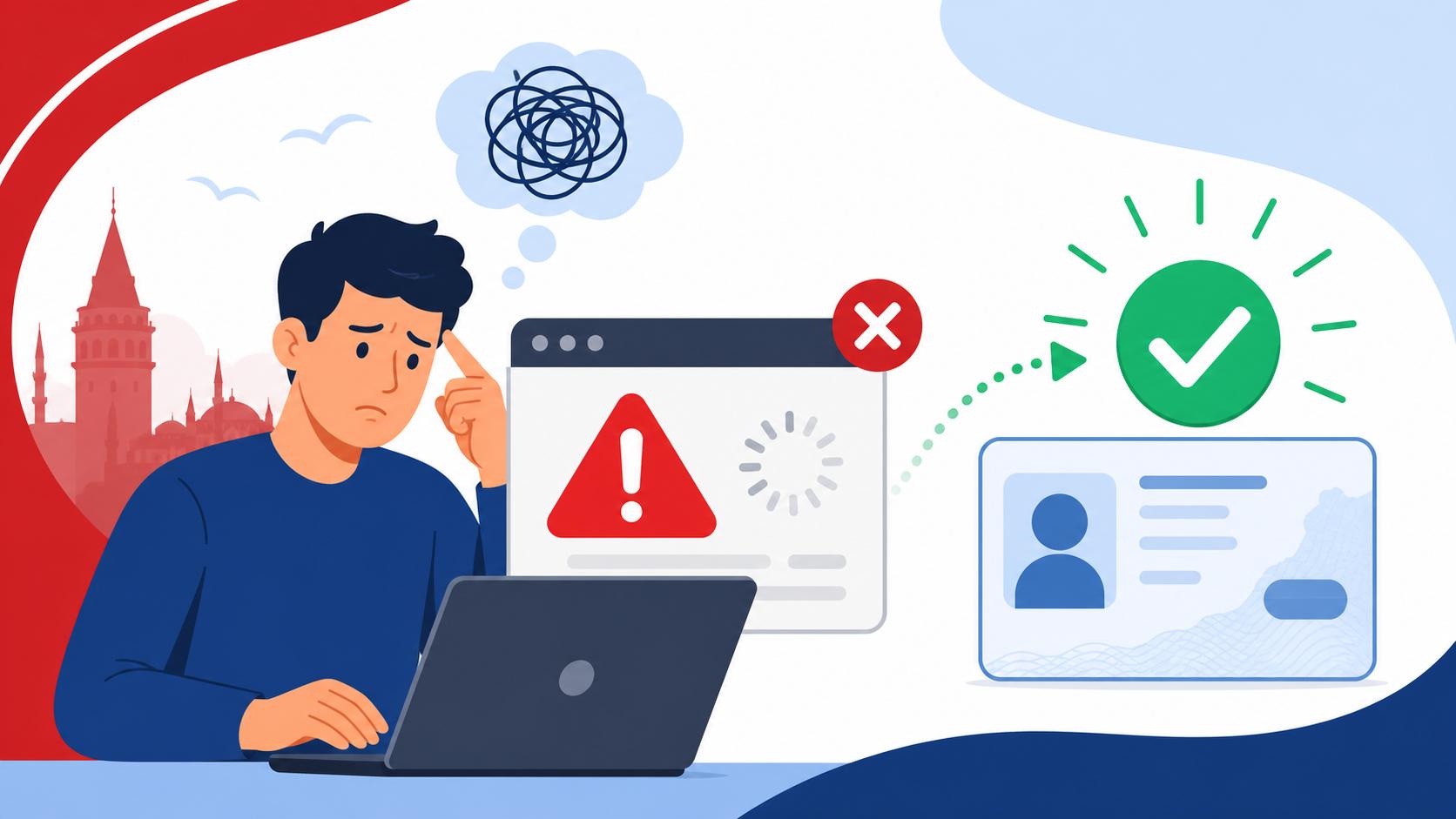
The first thing you need to realize is that the e-Ikamet website is a vintage piece of government software trying to handle an incredible amount of traffic. When you see a red box at the top of the screen that simply says "System Error" or "Bir hata oluştu," it is rarely your fault. Usually, this is a symptom of a session timeout or a server-side overload. The system is notoriously finicky about how long you stay on a single page. If you spend too much time looking for your passport or double-checking your entry date, the connection might silently drop, leading to a crash when you finally click to proceed.
To combat this, I highly recommend having every single piece of data ready in a separate Notepad or Word document before you even open the website. You should have your Required Documents Checklist for a Short-Term Turkish Residence Permit open and checked off. This allows you to copy and paste information rapidly, minimizing the time spent on each page. I’ve found that if you take more than five minutes on a single tab, your chances of a "General Error" increase by about 50%. It’s a race against the clock, and the clock is controlled by a server in Ankara that’s probably very tired.
Another frequent headache is the "Inconsistent Data" error. This usually happens when the system tries to cross-reference your passport number with your last entry into Turkey. If you have a brand-new passport but entered on an old one, or if the border officer mistyped a single digit of your name, the e-Ikamet portal will reject you immediately. In these cases, the glitch isn't actually a software bug; it’s a database mismatch. You might need to visit a local Migration Office (Göç İdaresi) to have them manually update your entry record before the online system will let you pass.
Photo Upload Failures and Resolution Issues
The photo upload section is where many expat dreams go to die. The system is incredibly particular about the file format, size, and dimensions of your biometric photo. If your file is even one kilobyte over the limit, it won't just tell you "file too large"—it will often just hang indefinitely or throw a generic "Internal Server Error." You must ensure your photo is a JPEG, ideally under 1MB, and cropped exactly to the biometric proportions required by the Turkish authorities.
Applicants often try to upload standard selfies or high-resolution professional headshots that haven't been compressed. This is a recipe for disaster. Use a basic online image resizer to get your photo to roughly 600×600 pixels while maintaining the biometric "look" where your face takes up about 70-80% of the frame. If the portal keeps rejecting a photo that looks perfect, try renaming the file to something very simple like "photo1.jpg" with no spaces or special characters. Sometimes the system chokes on filenames that are too long or contain non-Latin characters.
Data Entry Conflicts: Names and Special Characters
Turkey uses the Latin alphabet, but it has several unique characters like "ç, ğ, ı, ö, ş, ü." Ironically, the e-Ikamet system often struggles if you use these characters in fields where it expects standard international Latin text—and vice versa. If your name is "Siobhán" or "François," the system might lose its mind over the accent marks. It is advisable to use the "Machine Readable Zone" (MRZ) at the bottom of your passport as your primary guide. If your passport MRZ says "FRANCOIS," type it exactly like that.
The most common "hidden" glitch is the lowercase "i" versus the dotless "ı." In Turkish, these are two different letters. If you are typing your address and the system says "Address not found," check if you used a dotted "i" when the official registry uses an "İ" or "ı." This is particularly common when trying to fill out the Turkish Residence Permits (Ikamet): The Complete Application Guide (2027) forms. Small typos in the street name or neighborhood can cause the system to fail the validation check against the Nüfus (Civil Registry) database.
Navigating the Payment and Verification Glitches
Once you’ve actually managed to fill out the form, you’ll reach the stage of paying the "Card Fee" and "Residence Fee." This is where many foreigners run into the "Payment Failed" or "Transaction Not Permitted" screen. The e-Ikamet portal uses a state-bank payment gateway that is notoriously picky about foreign credit cards. If you’re using a card from the US, UK, or EU, your bank might flag the transaction as fraudulent, or the Turkish gateway might simply reject it because it doesn't support 3D Secure protocols from your specific bank.
I always tell new arrivals to try a virtual card or, better yet, use a local Turkish bank card if they have a friend who can help. If your payment keeps failing, don't keep clicking the button, or you might end up with three pending charges on your statement and zero successful applications. Instead, choose the option to pay via "Tax Office" (Vergi Dairesi). This will generate a "Tevakkuf" or a reference number that you can take to any Ziraat Bank, VakıfBank, or Halkbank branch to pay in person. It’s a bit more legwork, but it bypasses the online payment glitch entirely.
UETS and Address Verification Roadblocks
A relatively new glitch that has been causing havoc is the UETS (National Electronic Notification System) requirement. You are now often required to have a UETS address to complete your application. If you haven't set this up at a PTT office beforehand, the system might block you at the final step. You’ll need to follow the steps for UETS Setup: Getting Your PTT Electronic Mailbox as a Foreign Resident before you can even think about finishing the e-Ikamet form.
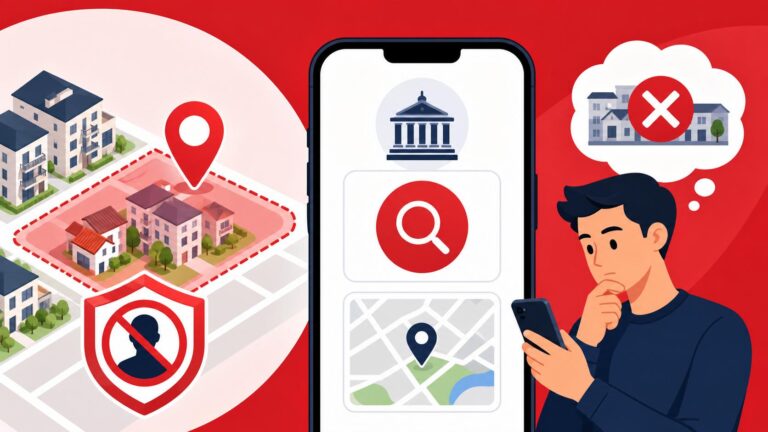
Even with a UETS, the address verification system often fails to find "closed" neighborhoods. If you are living in an area that has been restricted to new foreign residents, the system might give you a "General Error" instead of explicitly telling you the neighborhood is closed. This is one of the most frustrating "glitches" because it isn't a bug—it's a policy enforcement disguised as a technical failure. Always double-check your neighborhood status before you spend hours on the portal.
SMS and Email Verification Code Delays
The portal requires you to verify your identity via a code sent to your phone or email. Here’s the catch: the SMS system often doesn't like foreign phone numbers. If you are trying to apply using your home country's SIM card, the code might take twenty minutes to arrive, by which time your session has already timed out. It is a vicious cycle.
If you aren't receiving the code, try switching to a Turkish mobile number immediately. If that’s not an option, use the email verification method, but be warned: the emails often end up in the "Spam" or "Promotions" folder of Gmail and Outlook. I’ve sat there hitting "resend" five times, only to find all five codes sitting in my junk folder ten minutes later. If the email doesn't arrive within 60 seconds, check your spam folder immediately. If it still isn't there, try a different email provider like ProtonMail or a local Turkish service, as some major providers occasionally block the government’s automated mail servers.
Strategic Workarounds for a Successful Submission
If the system is being particularly stubborn, you need to change your environment. The e-Ikamet portal is highly sensitive to your browser’s cache and cookies. If you’ve had a failed attempt, the site often "remembers" the error state. Before you try again, clear your entire browser history, or better yet, use "Incognito" or "Private" mode. This forces the site to load a fresh session without any baggage from your previous crashes.
I also recommend experimenting with different browsers. While Chrome is the world's most popular browser, I have actually found that Microsoft Edge or an updated version of Safari sometimes handles the e-Ikamet scripts better. Avoid using your mobile phone at all costs. The mobile version of the site is notoriously buggy and often cuts off critical buttons like "Save" or "Next" at the bottom of the screen. Stick to a desktop or laptop computer for a much higher success rate.
Troubleshooting Quick-Reference
| Error Message / Symptom | Likely Cause | Immediate Fix |
|---|---|---|
| "Bir hata oluştu" (Red Box) | Session timeout or server load | Clear cache, use Incognito, and work faster. |
| Photo won't upload | File size or dimensions | Compress to <1MB and crop to 600x600px. |
| "Address Not Found" | Nüfus database mismatch | Check for Turkish characters or go to Nüfus. |
| Payment Gateway Timeout | Foreign card rejection | Use a Turkish card or pay at Ziraat Bank. |
| SMS Code never arrives | Foreign SIM incompatibility | Use a Turkish SIM or check Email Spam. |
| "Invalid Passport Info" | Border entry mismatch | Visit Göç İdaresi to update your entry record. |
Preparing Your Documents for the System
One of the biggest mistakes is trying to figure out your documents while the site is open. You should have digital scans of your passport, your current visa or permit, and your Health Insurance Requirements: Securing a Policy for First-Time Ikamet Applications. If you’re using an international plan like Cigna Global, make sure you have the Turkish-compliant policy certificate already saved as a PDF. The system will ask for your policy number and expiry date; if you have to dig through your email to find them, the portal will likely time out and kick you back to the start.
If you have foreign documents that require translation, such as marriage or birth certificates for a family permit, ensure you have already visited Sworn Translators (Yeminli Tercüman): Expected Costs for Official Documents. Services like RushTranslate can be great for initial drafts, but for the Turkish government, you’ll usually need that local notary stamp. Having these digital files ready to go will make the upload process significantly less stressful. If you are confused about where to get your lease authenticated, check out Where to Find Public Notaries to Authenticate Your Passport and Rental Lease to save yourself a wasted trip.
Post-Submission Errors: Tracking and Corrections
After you finally see the glorious "Success" screen, you aren't entirely out of the woods. You need to download and print the "Application Form" (Müracaat Belgesi). A common glitch is that the PDF doesn't generate properly, or the download button doesn't work. If this happens, don't panic. You can usually log back into The e-Ikamet System: How to Apply, Renew, and Track Your Residence Permit and find your application under the "Update/Track Application" section.
Once you have your T.C. Kimlik number (or a temporary application number), you should be able to see your status. Understanding The 99-Number: What Your T.C. Kimlik Number Gives You Access To in Daily Life will help you realize why this number is so critical for everything from banking to getting a phone line. If you notice a typo on your printed form, you generally cannot change it online once it’s submitted. You will have to wait until your appointment at the Göç İdaresi and explain the error to the officer. They can usually correct small typos on the spot, but big errors in your passport number or birth date might require a completely new application.
Finding Your Application Form After a Crash
If the site crashes exactly at the moment you hit "Complete," it can be terrifying. Did the application go through? Do you have to pay again? The best way to check is to look at your email. The system sends an automated confirmation once a file is created. If you didn't get an email, try to log in using the "Incomplete Application" option. If your data is there, you can pick up where you left off.
If your payment was taken but you don't have a form, do not start a new application yet. Wait 24 hours. Sometimes the payment system and the application system take a day to "talk" to each other. If you start a new application, you will be issued a new reference number, and your previous payment will not be linked to it. This leads to a nightmare of trying to get a refund from the Turkish tax office—something I wouldn't wish on my worst enemy.
Disclaimer
The information provided in this guide is for informational purposes only and does not constitute legal or official immigration advice. The Turkish e-Ikamet system and its regulations are subject to frequent and unannounced changes. Always verify current requirements and procedures with the Presidency of Migration Management (Göç İdaresi) or a qualified legal professional before proceeding with your application. The author is not responsible for any rejections, fines, or legal issues arising from the use of this guide.